.png)
Your client is ready to move forward. Here's exactly what you need to do to get them set up on Noble and start getting mentions live.
TL;DR: Setup takes only four steps: create your agency account, add your client, choose a budget, and upload their prompts.
Head to dashboard.thatsnoble.com and create an account.
Once you’ve verified your email, you’ll start the onboarding process.
While setting up your first workspace you'll be given the option to select Brand or Agency. Select agency. This is what gives you the ability to manage multiple clients under one login.
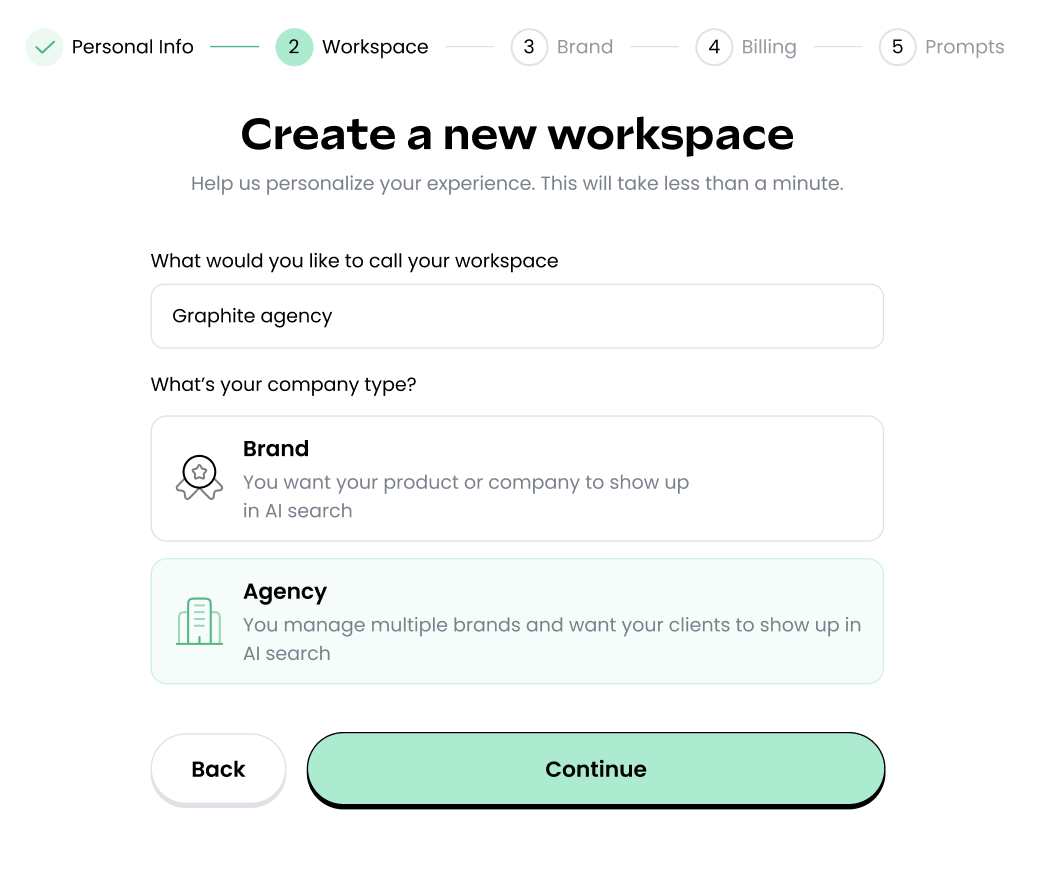
Once your agency account is set up, add your first client as a brand inside the dashboard. Each client gets their own profile, which is how Noble keeps their Mention Offers, reporting, and billing separate from your other accounts.
You'll be be able to add more brands once you're in the dashboard.
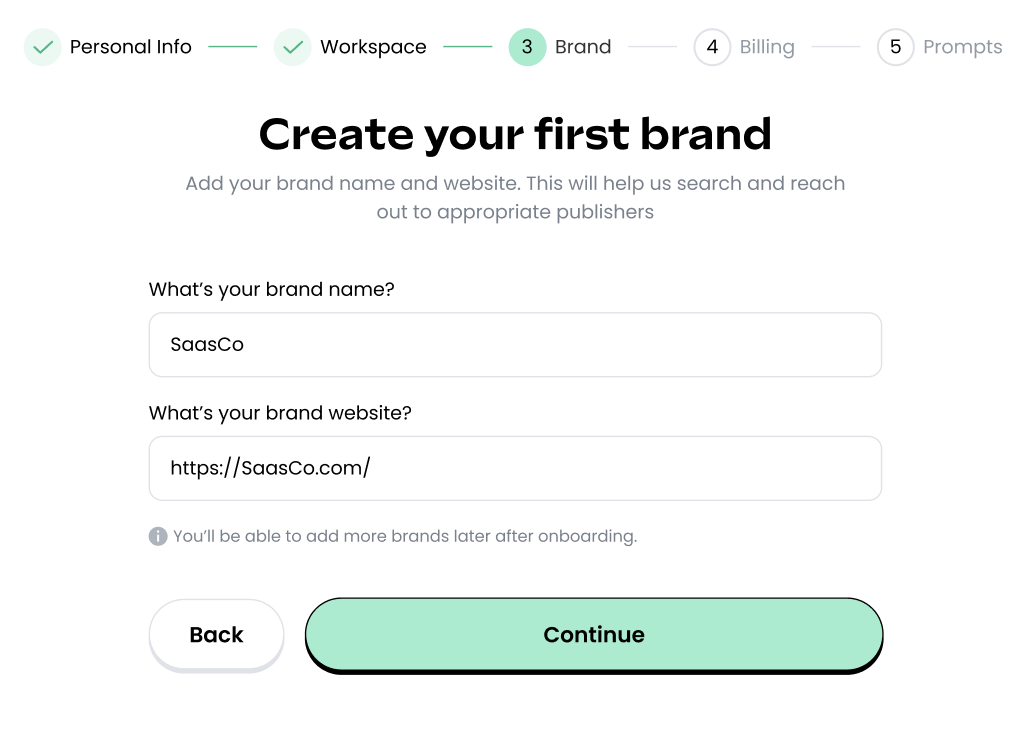
This is the billing stage, where you set the monthly budget that fits your client's goals. Noble runs on a monthly budget (annual plans start at $2,000/month), and the cost of each live mention draws down from it.
For how pricing works and to help you choose the right budget, see our pricing explainer. We also have a full breakdown on how agency invoicing works.
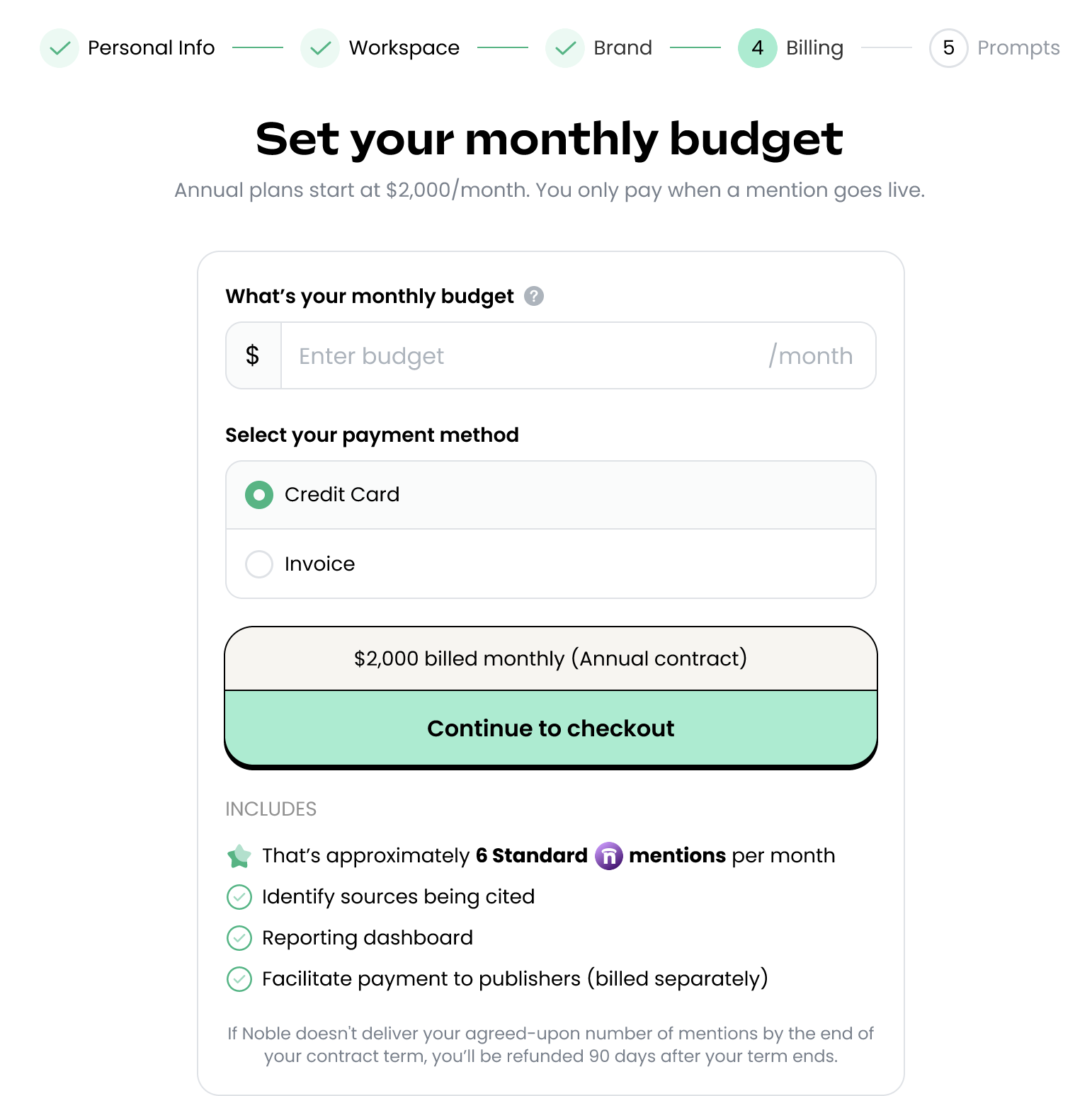
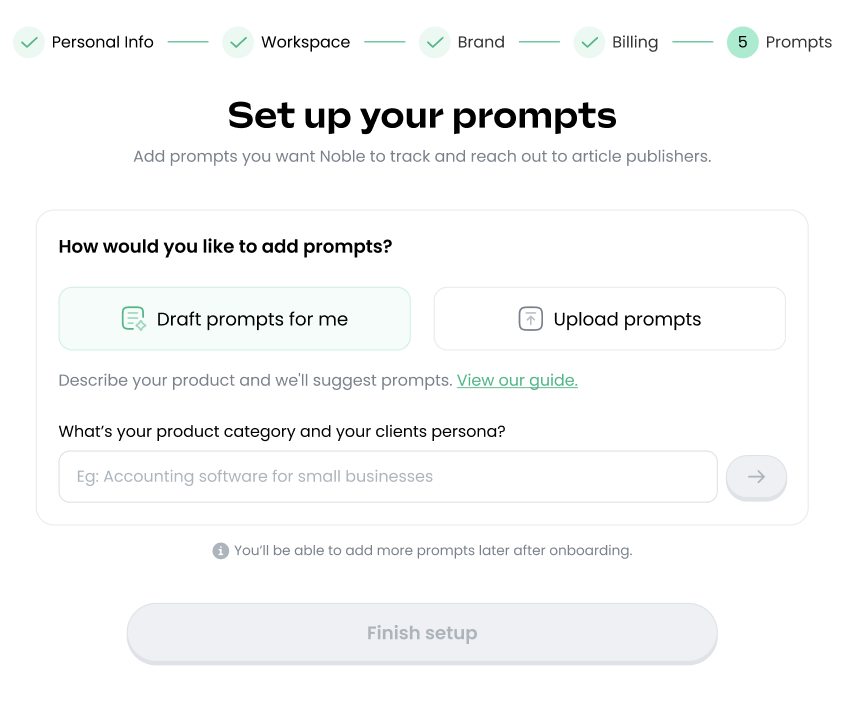
This is how Noble knows where your client needs to show up. You'll upload the search prompts your client cares about (i.e., the questions their buyers are asking in ChatGPT, Perplexity, and Google).
If your client is already using an AI visibility tool, you can export their prompts and citations directly and import them into Noble.
If your client doesn't have prompts yet, Noble can help generate prompts for your review. You'll also be able to add more prompts once you're within the dashboard (check out our YouTube for a tutorial).
Once your account is live and payment is confirmed, you’ll have access to your Noble dashboard where the platform gets to work analyzing prompts and sourcing publishers.
At this stage, we also recommend you to upload a Do Not Contact list (tutorial on that here). This tells Noble exactly who to stay away from, whether it’s publishers your PR team has relationships with, direct competitors, or any outlet you want kept off-limits for any reason.
You can update the list at any time during your engagement. If your client lands a new relationship mid-campaign, add it and Noble won't touch it going forward. And if your client has a PR team, you can read more about how we work alongside them to make sure nothing crosses over.
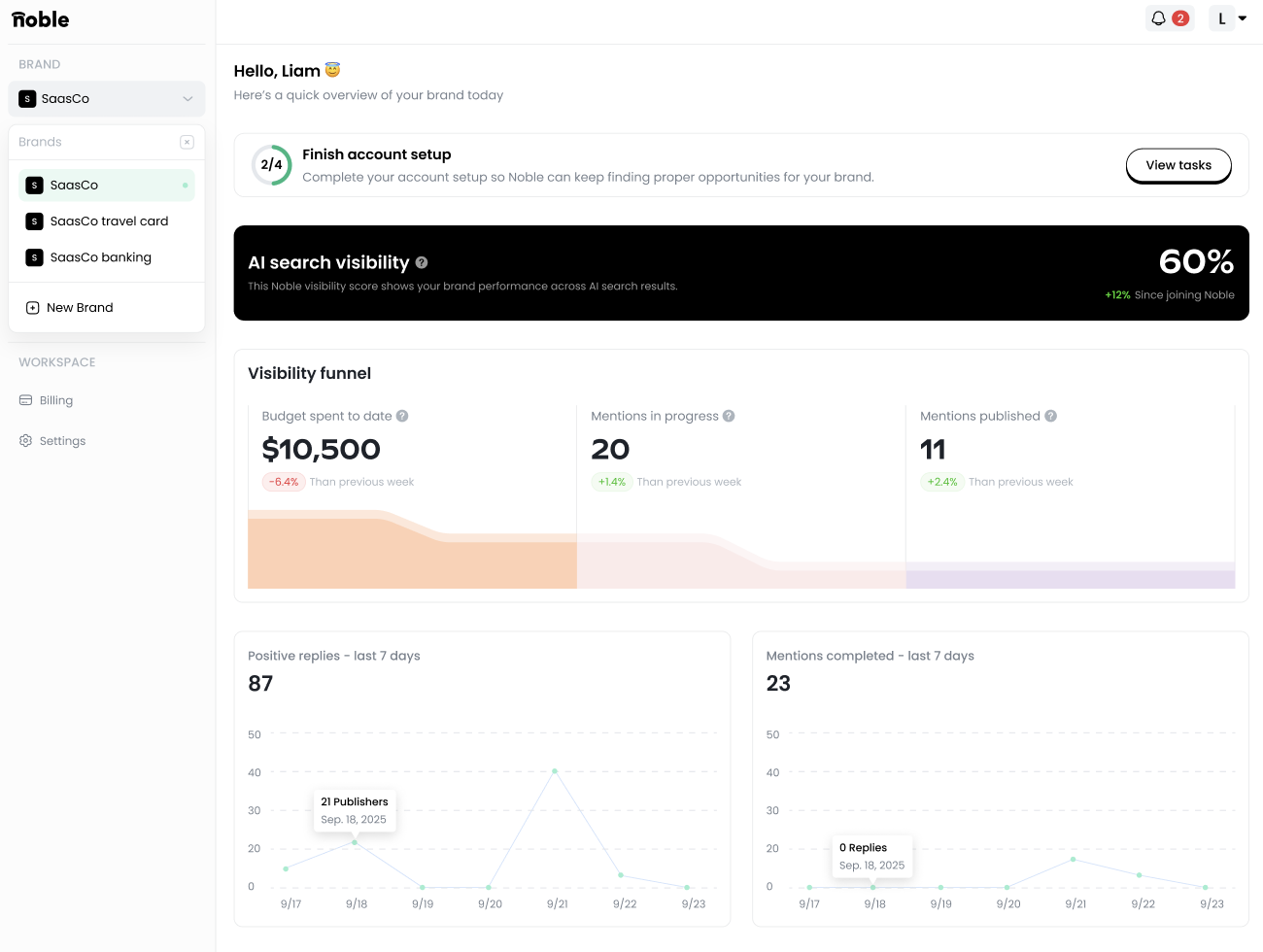
Once in the dashboard, you’ll be able to add the rest of your clients using the drop down bar at the top left of your screen where it says “Brand.” This is also where you’ll be able to toggle between all of your clients to access their specific data, add prompts, and review Mention Offers.
For a detailed breakdown of what to expect month by month, read this post.
Once these 4 steps are complete, Noble owns the entire process from offer accepted to article live, including negotiation, content drafting, approvals, and payment.
All you have to do is review, approve, and watch your client’s AI visibility increase.
GET DISCOVERED ON